Weak passwords and poor sharing practices put your organisation at risk. Here's how businesses can secure team sharing of passwords while staying GDPR-compliant:
- Key Risks:
48% of employees reuse passwords across work platforms.
-
Stolen credentials cause 31% of breaches.
-
Belgian examples: Duvel Moortgat (1TB data stolen), City of Antwerp (557GB stolen), and ChWapi hospital (300 servers attacked).
- GDPR Compliance Requirements:
Encrypt data during transfer and storage.
-
Set strict access controls and monitor usage.
-
Report breaches to the DPA within 72 hours.
- Solutions to Consider:
Use tools with end-to-end encryption and zero-knowledge protocols.
-
Implement multi-factor authentication (MFA).
-
Enforce password rules: 16+ characters, mix of symbols, and SHA-256/512 hashing.
- Recommended Tool:Hypervault (€4.00/user/month) offers GDPR-ready features like AES-256 encryption, EU-based data storage, and Azure AD integration for secure password sharing.
Quick Tip: Regularly audit access, update weak passwords, and train employees to spot phishing threats.
Secure password sharing isn't just about tools - it's about creating a culture of security.
Best Way to Store Passwords - Small Business Cyber Security
Password Sharing Security Risks
Organisations, regardless of size, are increasingly becoming targets for cybercriminals. Alarmingly, stolen credentials are linked to 31% of breaches, and nearly half (48%) of employees admit to reusing passwords across workplace platforms [5].
Belgian Security Incidents 2023
Recent high-profile incidents in Belgium underscore the dangers of weak password practices. For instance, in March 2024, Duvel Moortgat faced back-to-back ransomware attacks. The Stormous group initially stole 88GB of sensitive data. Shortly after, a second attack by Black Basta compromised an additional 1TB of data, including financial records and employee passports [3].
In December 2022, the City of Antwerp experienced a devastating ransomware attack that led to:
-
557GB of sensitive data being stolen
-
A complete shutdown of municipal services
-
Citizens unable to access crucial documents and permits [3]
The healthcare sector has also been a target. In September 2022, ChWapi hospital centre in Tournai suffered a major cyberattack that affected up to 300 servers. This forced medical staff to temporarily revert to using paper records [2].
"Technical defences alone will never be enough, because hackers don't just attack systems - they exploit people through phishing, social engineering, and weak credentials." [3]
These incidents highlight the urgent need for stronger password protocols and GDPR-compliant security measures.
Password Management Under GDPR
Under GDPR regulations, organisations are required to adopt comprehensive password security measures. Some key practices include:
| Requirement | Implementation |
|---|---|
| Data Encryption | Encrypt data during transfer and storage |
| Access Controls | Enforce strict permissions and monitor user access |
| Breach Reporting | Notify the DPA within 72 hours of a breach |
| Processing Records | Maintain detailed records for regulatory review |
These guidelines emphasise the importance of integrating multi-factor authentication (MFA) and reducing dependency on passwords [1].
To minimise risks, organisations should focus on implementing advanced encryption, enforcing robust access controls, conducting regular security audits, and educating employees about phishing threats [3].
The Belgian Data Protection Authority** (DPA)** plays a pivotal role in overseeing compliance and ensuring organisations uphold strong data protection standards [4]. With over 44,000 cybercrime cases reported in 2020 [2], the urgency for improved password security is undeniable.
Adopting GDPR-compliant practices is a vital step toward ensuring secure password sharing within teams.
Selecting GDPR-Ready Password Tools
For organisations, ensuring password tools comply with GDPR is non-negotiable. GDPR Article 32 mandates that effective technical measures are in place to safeguard data, particularly when it comes to storing and sharing passwords.
Essential Security Features
The backbone of GDPR-compliant password management lies in several key security features designed to protect sensitive information:
| Security Feature | Implementation | GDPR Benefit |
|---|---|---|
| End-to-End Encryption | AES-256 bit encryption with local device encryption | Ensures data remains private during transit and storage |
| Zero-Knowledge Protocol | No server-side access to unencrypted data | Guarantees data privacy and regulatory compliance |
| EU Data Residency | Servers located in European datacentres | Aligns with GDPR storage requirements |
| Multi-Factor Authentication | Adds an extra layer of verification beyond passwords | Enhances security and provides audit trails |
| Azure AD Integration | Single Sign-On (SSO) for user management | Simplifies secure access control |
Modern password storage also demands adherence to advanced standards for strength and security:
| Requirement | Specification | Why It Matters |
|---|---|---|
| Length | Minimum 16 characters | Makes passwords harder to crack via brute-force attacks |
| Complexity | Mix of characters | Strengthens passwords while ensuring usability |
| Storage Format | Hashed with SHA-256/SHA-512 | Protects passwords in databases |
| Reset Protocol | Only when compromised | Avoids unnecessary and disruptive password changes |
| Authentication | Multi-factor verification | Adds an essential security layer |
These measures outline the standards for secure password tools, and Hypervault not only meets but exceeds these requirements for organisations operating within the EU.
Hypervault for EU Companies
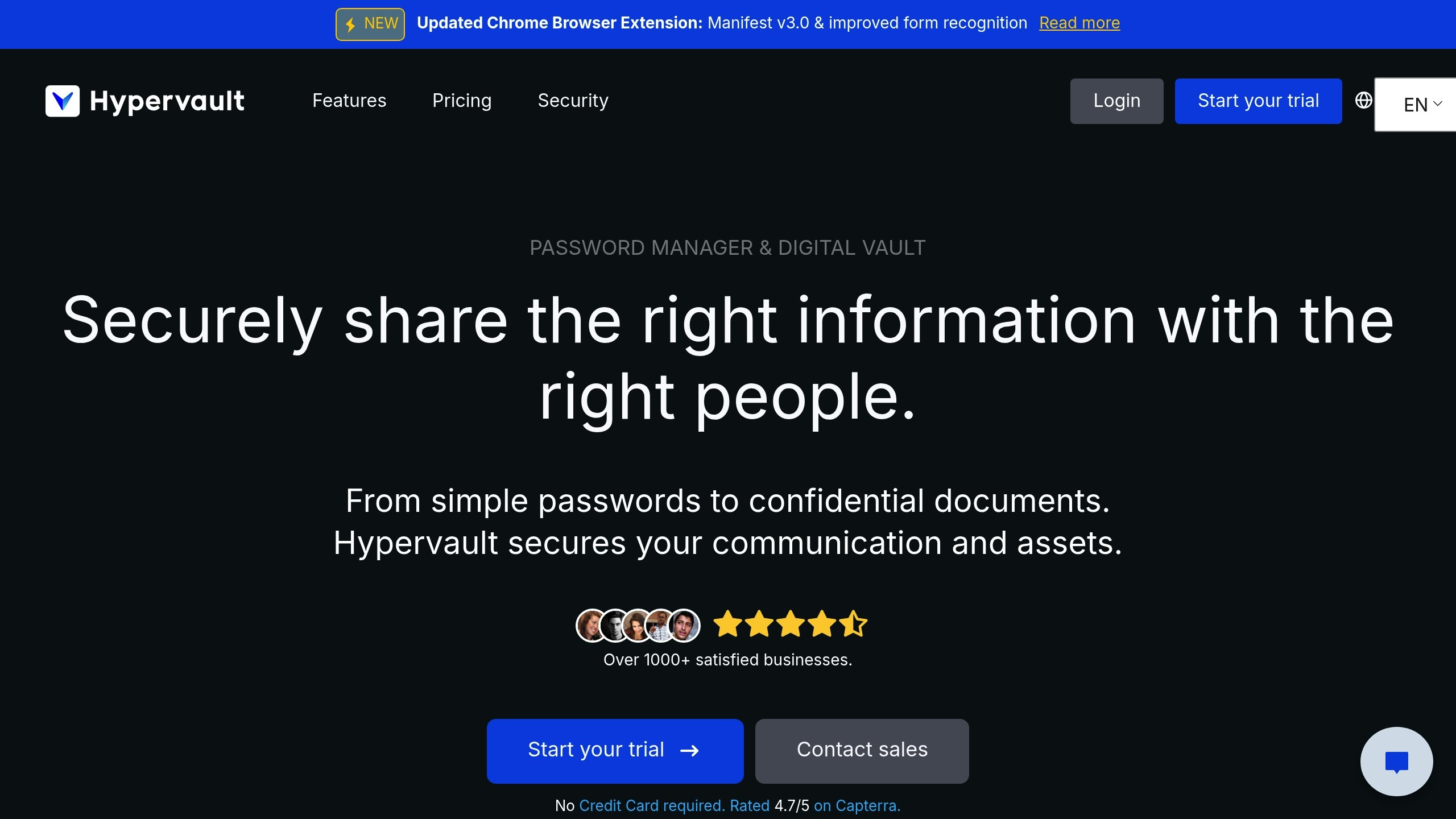
Hypervault is designed to meet the unique needs of EU businesses, with all data and servers located within Europe to ensure compliance with GDPR's stringent data security standards. The platform offers a robust set of features at competitive pricing, starting at €4,00 per user monthly or €39,00 annually, which includes 1 GB of storage.
"We protect your business from password vulnerabilities, data breaches and other threats, and we continuously work with third-party security experts to make sure all secrets are safe." - Hypervault [6]
For organisations requiring additional storage, Hypervault offers scalable options:
-
100 GB: €100,00/year
-
1 TB: €500,00/year
-
5 TB: €1.000,00/year
-
10 TB: €1.650,00/year
Hypervault's zero-knowledge architecture ensures no access to unencrypted data, safeguarding maximum privacy.
"All the data and servers are located in Europe. You'll always be on the safe side and comply with EU data security standards. We've got your back." - Hypervault [7]
The platform also supports unlimited vault items, folders, and seamless integration with Microsoft Azure AD for enterprise-level deployment. Its browser extension makes managing passwords across devices secure and efficient, all while maintaining GDPR compliance.
Equipped with these GDPR-ready tools and features, your team will be ready to implement secure password sharing. Up next, explore the steps for setting up secure team password sharing./banner/inline/?id=sbb-itb-a5875d1
Setting Up Team Password Sharing
With GDPR-compliant tools ready, it's time to configure your team settings for secure and efficient password sharing.
Step 1: Set Access Permissions
Role-based permissions are key to ensuring secure password sharing within your organisation. Hypervault’s detailed access control system allows you to design team-based hierarchies that match your organisational structure.
Here’s an example of how a software development company might organise access:
| Role | Access Level | Permissions |
|---|---|---|
| Developers | Team-specific | Access to development tools and staging environments |
| Project Managers | Department | Full access to project management tools and client portals |
| System Administrators | Global | Complete access to infrastructure and security settings |
| Quality Assurance | Limited | Access to testing environments and bug tracking tools |
To set up role-based access:
-
Create a detailed Access Control List (ACL).
-
Define specific permission sets for each role.
-
Assign users to roles and configure vault sharing accordingly.
-
Enable audit logging to ensure compliance with GDPR.
Once permissions are in place, the next step is to enhance user authentication with Multi-Factor Authentication (MFA).
Step 2: Set Up MFA
MFA is a powerful way to minimise security risks [8]. Hypervault easily integrates with itsme®, a widely trusted digital identity solution in that adheres to European PSD2 directives [9].
Here’s how to enable MFA:
-
Go to the Security Settings section in your Hypervault dashboard.
-
Enable Microsoft Azure AD integration for Single Sign-On (SSO).
-
Set itsme® as the primary authentication method.
-
Make MFA mandatory for all team members.
-
Configure backup authentication methods to ensure accessibility.
With MFA in place, it’s time to establish robust password rules.
Step 3: Create Password Rules
Strong password policies are essential for GDPR compliance and to reduce the risk of breaches. Research shows that over 80% of hacking-related breaches result from compromised passwords [10].
Use the following password rules in Hypervault:
| Rule Type | Requirement | Purpose |
|---|---|---|
| Minimum Length | 16 characters | Protects against brute-force attacks |
| Character Mix | Uppercase, lowercase, numbers, symbols | Increases password complexity |
| Password History | Retain last 10 passwords | Prevents reusing old passwords |
| Update Frequency | Upon compromise detection | Avoids unnecessary disruptions |
| Emergency Access | Designated recovery contacts | Ensures continuity during critical situations |
For emergencies, make sure to document:
-
A list of designated recovery contacts.
-
A clear, step-by-step recovery process.
-
Incident response protocols.
-
Compliance documentation to meet regulatory requirements.
These measures, backed by Hypervault’s encrypted, zero-knowledge framework, help safeguard your organisation’s sensitive data effectively.
Maintaining Security Standards
In 2023, 54% of organisations experienced cybersecurity incidents, with each breach costing an average of €4.35 million [8]. Building on earlier discussions about GDPR compliance and selecting secure tools, maintaining robust password security is a critical part of protecting your organisation.
3-Month Security Reviews
Regular security reviews are essential for staying GDPR-compliant and meeting the standards set by the Belgian Data Protection Authority (APD-GBA).
| Review Component | Action Items | Frequency |
|---|---|---|
| Access Audit | Review user permissions and remove unnecessary access | Every 3 months |
| Password Health | Check password strength and update weak credentials | Monthly |
| Activity Logs | Review login patterns and flag suspicious behaviour | Weekly |
| Compliance Check | Verify GDPR documentation and update as needed | Quarterly |
These reviews work hand-in-hand with Hypervault’s built-in security tools, adding an extra layer of protection for your digital assets.
Hypervault Security Tools
Hypervault combines automated monitoring with zero-knowledge encryption [11] to ensure passwords remain secure.
Security Breach Response
Quick action is critical after a breach. Organisations must notify the APD-GBA within 72 hours of a security incident [12].
| Phase | Actions | Timeline |
|---|---|---|
| Detection | Alerts for suspicious activities | Immediate |
| Containment | Automatic account freezing and access restriction | Within 15 minutes |
| Assessment | Security audit and impact evaluation | Within 24 hours |
| Notification | Notify the APD-GBA and communicate with stakeholders | Within 72 hours |
| Recovery | Reset passwords and implement stronger security measures | Within 1 week |
All data managed by Hypervault is stored on EU-based servers and protected with AES-256 encryption [11]. Its integration with Microsoft Azure Active Directory strengthens access controls, making security management across your organisation more efficient [8]. By combining regular reviews with immediate breach responses, you can build a resilient security strategy that protects your organisation over the long term.
Conclusion
Securing team password sharing has never been more critical, especially when considering that EU data protection authorities imposed €1,64 billion in fines for data breaches in 2022 [13]. Even more concerning, 29% of these breaches were linked to weak or reused passwords [13], highlighting the importance of effective password management.
Hypervault addresses this challenge with end-to-end encryption and a zero-knowledge protocol, ensuring sensitive data stays protected while remaining accessible to authorised team members.
Here’s a quick overview of the key components for secure password sharing:
| Component | Implementation | Business Impact |
|---|---|---|
| Storage Location | EU-based servers | Ensures GDPR compliance and lower latency |
| Encryption Standard | AES-256 bit | Provides strong data protection |
| Access Control | Role-based permissions | Reduces security risks |
| Authentication | Multi-factor verification | Strengthens access security |
| Monitoring | Real-time activity logs | Enables swift incident detection |
These practices align with the stringent standards outlined in this guide, offering a reliable framework for safeguarding sensitive information.
For European organisations, achieving GDPR compliance while streamlining team collaboration is entirely feasible. By adopting secure password-sharing solutions with advanced security features and tailored policies, teams can effectively protect their data.
Additionally, with the NIS2 directive placing greater emphasis on safeguarding critical infrastructure [14], strong password management becomes even more essential. Regularly updating security measures and leveraging modern tools can help organisations minimise risks while maintaining smooth operations.