
Business
One vault for the whole team.
Stop sharing logins in chat and storing contracts in random folders. Give every team member a place for passwords, files, and project access. Data stays in the EU.
No credit card needed

This happens at work.
Most teams do not set out to leak passwords. They just share them the fastest way they know.
The login is in a chat
A colleague asks for the tool password. Someone pastes it in Slack or Teams. That message stays. New people join. Old people leave. The chat is still the source of truth.
The contract is in Drive
Contracts, licenses, certificates, and API keys sit in shared drives and personal folders. You find them when a renewal or an audit lands.
Access stays after someone leaves
When someone leaves, shared passwords and file links are hard to map. You remove the account. You are not sure what else they could still open.
No clear trail for audits
Clients and auditors ask who had access. Spreadsheets and chat history are not a clean answer.
Share with teams. Keep private items private.
Create teams and folders for projects, clients, or departments. You choose who can see what. People get their own login. Personal items stay private unless you share them.
Teams and folders that match how you work
Build teams for marketing, support, or a client project. Put the right logins and files in the right folder.
Access at folder and item level
Decide who can view, edit, or manage. Not everyone needs every secret.
Private vaults when you want them
Turn private vaults on or off for the workspace. Private items stay with the person. Shared work stays with the team.
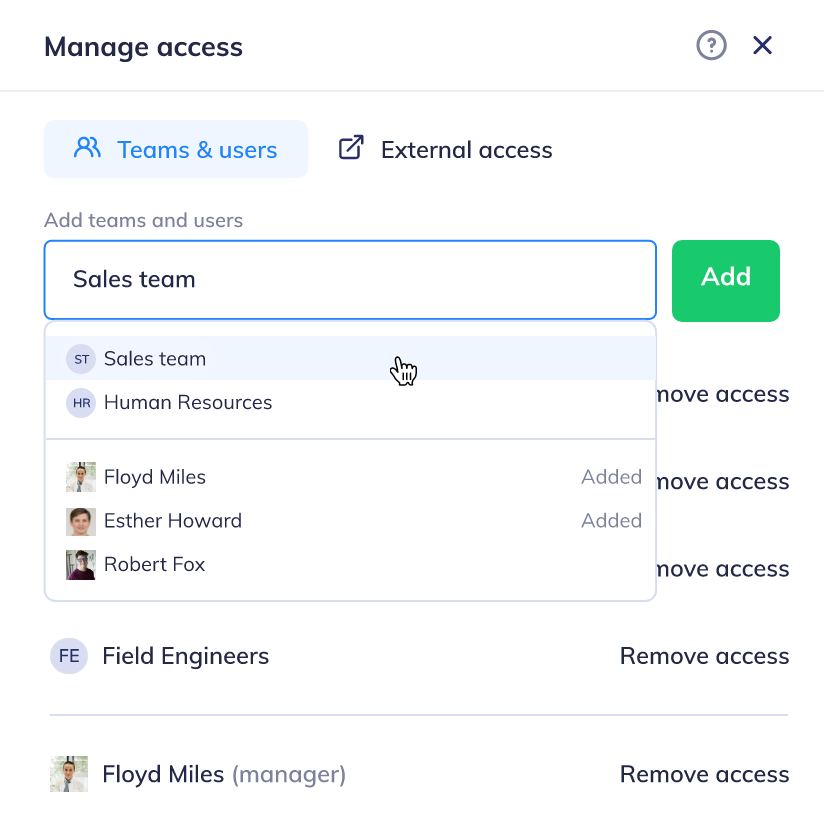
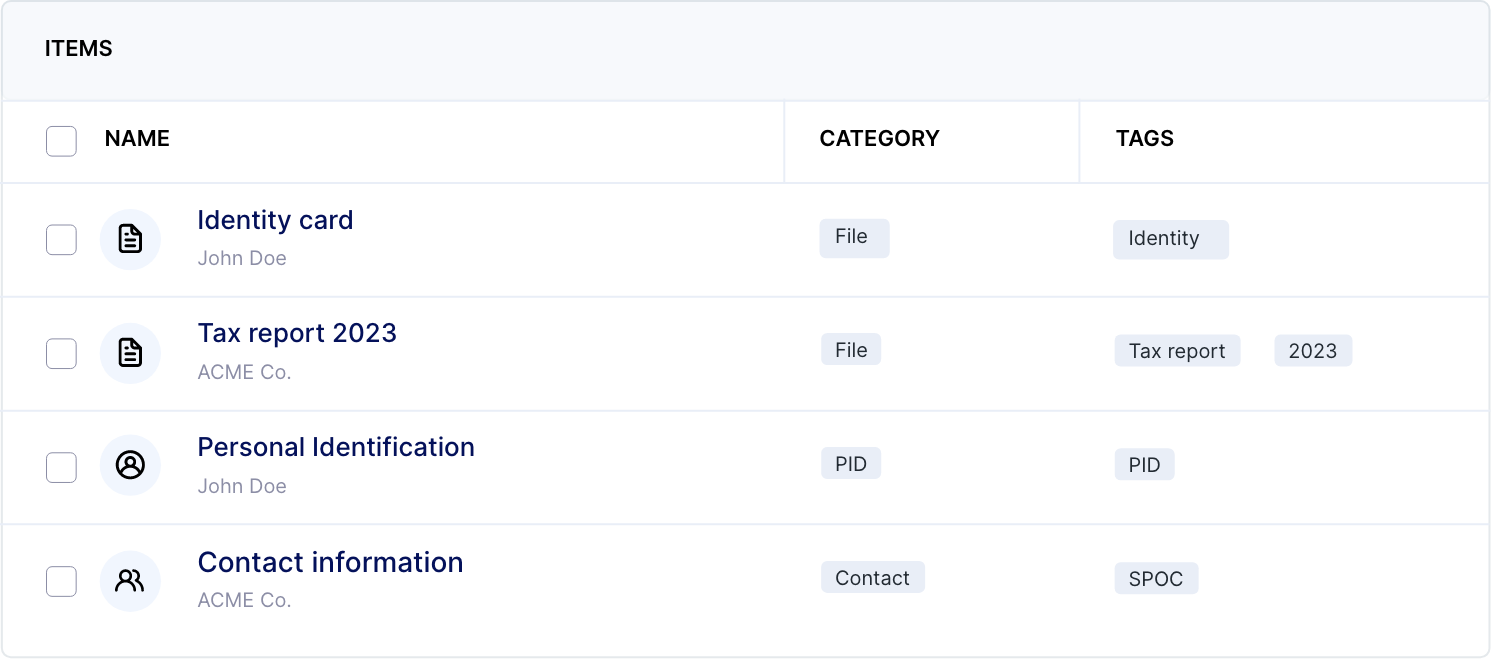
Passwords and company files in one vault.
Business is more than a password list. Store contracts, technical docs, license keys, and certificates next to the logins that belong with them. You get 1GB of encrypted storage per workspace.
Start 14-day free trialNo credit card needed
Contracts, keys, and certificates
Upload PDFs and files. Add fields to an item. Use a template when a license or policy needs more than a file name.
Browser extension and mobile apps
Fill in logins as you browse in Chrome, Edge, or Firefox. Apps for iPhone and Android are included.
Strong passwords by default
Generate unique passwords in Hypervault. Save them. Fill them in automatically. People stop reusing the same password on work tools.
See who opened what.
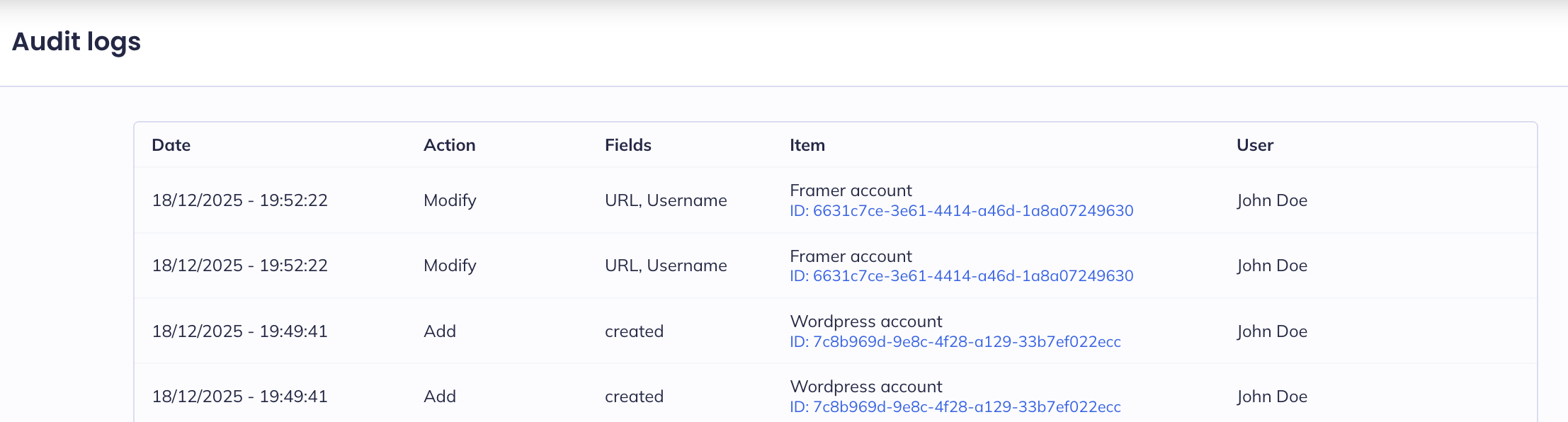
Audit logs show who accessed or changed items. That helps with offboarding, client reviews, and internal checks. You also get Emergency Kits for trusted contacts.
Audit logs for every change
Track access and edits. When something changes, you can see who did it and when.
Cleaner offboarding
Remove a user from the vault. Review shared folders. Hand project access to the next person without hunting through chat history.
Emergency Kits for trusted contacts
Store the details someone would need in a crisis. You choose who can open the kit. The rest of the vault stays with the people who own it.
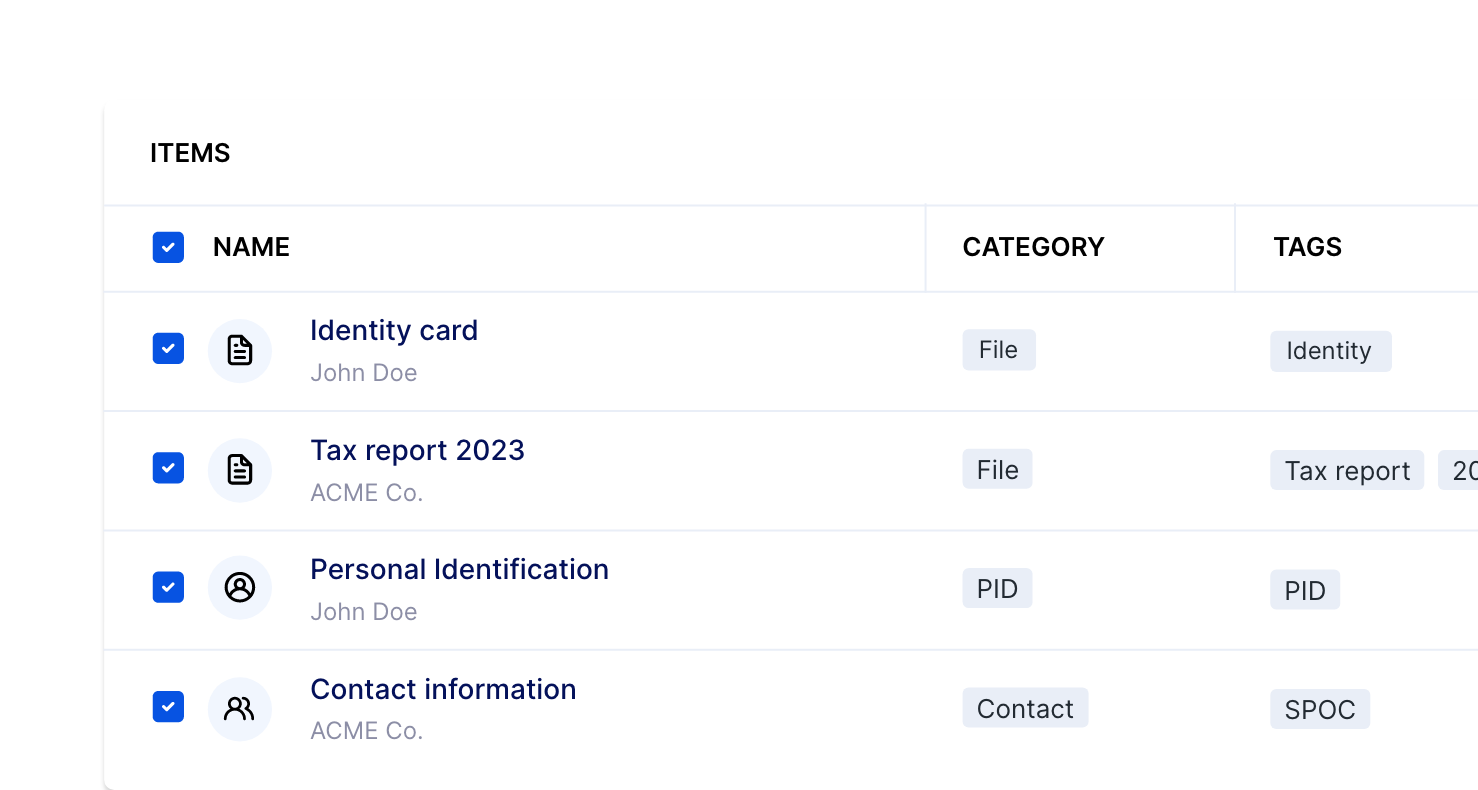
Invite clients without giving away the vault.
Business includes up to 25 client invites. Share only what a client needs. Keep internal folders for your team. Extra clients are available if you grow past 25.
Limited client access
Invite a client to a folder or an item. They do not get the whole company vault.
Secure links when they do not need an account
Send a file with a secure link. Set an end date, one-time view, and a one-time code. You need an account to send. They do not need one to open the link.
Zones for separate workstreams
Split the workspace into zones when clients, brands, or departments need a clearer boundary.
Start with the team in one week.
Import passwords. Invite people. Share the folders they need. Keep personal items private.
- 1
Create the company vault
Start a 14-day trial. You do not need a credit card. Import passwords from your browser or from another password manager.
- 2
Invite users and create teams
Add colleagues. Group them by team or project. Each person signs in with their own account.
- 3
Share folders on purpose
Move shared logins and files into team folders. Keep private items private. Review access when someone joins or leaves.

Made in Belgium. Stored in Europe.
Hypervault is a Belgian company. Vault data is stored in the EU. We follow GDPR. We cannot read what is in your vault. Only authorised users can open it.
We cannot open your vault
Your data is encrypted so Hypervault does not have a key to your secrets. Only authorised users can open the vault.
Add extra login protection
Protect the workspace with a second step at login, on top of the encryption already on the vault.
Support within 4 hours
Business includes support with a response within 4 hours. For larger rollouts, talk to sales.
One plan for the company.
Password manager, digital vault, and Digital Shield. Unlimited users and teams.
What you get
- Unlimited users and teams
- Unlimited logins, notes, and folders
- 1GB encrypted storage for the workspace
- Granular access at folder and item level
- Browser extension for Chrome, Edge, and Firefox
- iOS and Android apps
- Audit logs
- Emergency Kits
- Invite up to 25 clients
- Device management and private vault controls
- Support within 4 hours
Extra clients: €2 / month or €24 / year per client.
Business
14 days free. No credit card to start.
Start the Business trialMore than 100 users? Request a quote
Business or Enterprise?
Business fits most teams. Enterprise adds SSO, more governance, and dedicated onboarding when you need it.
| What you get | Business | Enterprise |
|---|---|---|
| Price | €39 / user / year or €4 / user / month | €59 / user / year or €6 / user / month |
| Users and teams | Unlimited | Unlimited |
| Encrypted storage | 1GB / workspace | 1GB / user |
| Audit logs | Included | Included |
| SSO / SAML | Not included | Included |
| Client invites | Up to 25 | Included at scale |
| Support | Within 4 hours | Dedicated support and onboarding |
| Start trial | See Enterprise |
Common questions
Try Business with your team this week.
You have 14 days to import passwords, invite colleagues, and replace chat with shared folders. No credit card to start.