Did you know weak passwords cause 29% of data breaches? Under GDPR, failing to protect passwords properly can cost you up to €20 million or 4% of your annual revenue. This guide explains how to secure your passwords and meet GDPR requirements.
Key Takeaways:
-
Use Strong Hashing Algorithms: Prioritise Argon2id or scrypt, and avoid outdated methods.
-
Enforce Password Policies: Minimum 16 characters, mix of symbols, and multi-factor authentication.
-
Encrypt and Salt Passwords: Add unique salts to prevent hash table attacks.
-
Regular Security Audits: Keep policies updated and train employees to handle sensitive data.
Quick Tip: Tools like Hypervault offer GDPR-compliant password management with AES-256 encryption, EU-based servers, and multi-factor authentication.
GDPR Password Storage Requirements
According to GDPR Article 32, organisations must take effective technical and organisational steps to ensure secure password storage.
Key GDPR Rules
To meet these requirements, organisations should implement the following measures:
-
Encrypt passwords using strong, up-to-date algorithms like SHA-256 or SHA-512 [1].
-
Control access by limiting who can view or change password data through strict access management.
In Belgium, organisations must also follow guidelines from the Belgian Data Protection Authority (GBA/APD). These include keeping detailed records of processing activities and applying security measures tailored to the risks identified during assessments.
Fines and Penalties
Failing to comply with GDPR password storage rules can lead to heavy fines - up to €20 million or 4% of an organisation's annual global turnover [1].
"One of the quickest and easiest ways to help protect an organization from these violations will be to implement a strong, comprehensive password policy to ensure that threat actors do not have the ability to access sensitive user data in the first place." - Enzoic [1]
Secure Password Storage Methods
To align with GDPR rules, it's crucial to adopt strong practices for password protection. Effective password storage requires a layered approach, combining advanced hashing techniques with established best practices.
Password Standards
Here are key requirements to ensure secure password management:
| Requirement | Specification | Why It Matters |
|---|---|---|
| Length | Minimum 16 characters | Increases resistance to brute-force attacks. |
| Complexity | Mix of characters | Strengthens passwords while staying user-friendly. |
| Storage Format | Hashed with SHA-256/SHA-512 | Keeps passwords safe in databases. |
| Reset Protocol | Only when compromised | Avoids unnecessary password changes. |
| Authentication | Multi-factor verification | Adds an extra layer of security. |
These standards provide a solid foundation for password security, but additional measures can further enhance protection.
To further protect passwords, implement dynamic salting. By adding a unique, random string to each password, you reduce the risk of collisions and make it harder for attackers to use pre-computed hash tables to crack multiple passwords at once [3].
For organisations that require FIPS-140 compliance, PBKDF2 is a suitable option when configured with:
-
Work factor: At least 600,000
-
Internal hash: HMAC-SHA-256 [2]
Aim for a processing time of about 50 milliseconds per hash to strike the right balance between security and performance [3].
Secure Your Business Data with Hypervault
Manage passwords, share sensitive data, and collaborate securely with Hypervault's all-in-one password manager and digital vault. Designed for businesses, it ensures top-notch security and seamless team collaboration.
Hypervault Enterprise Password Management
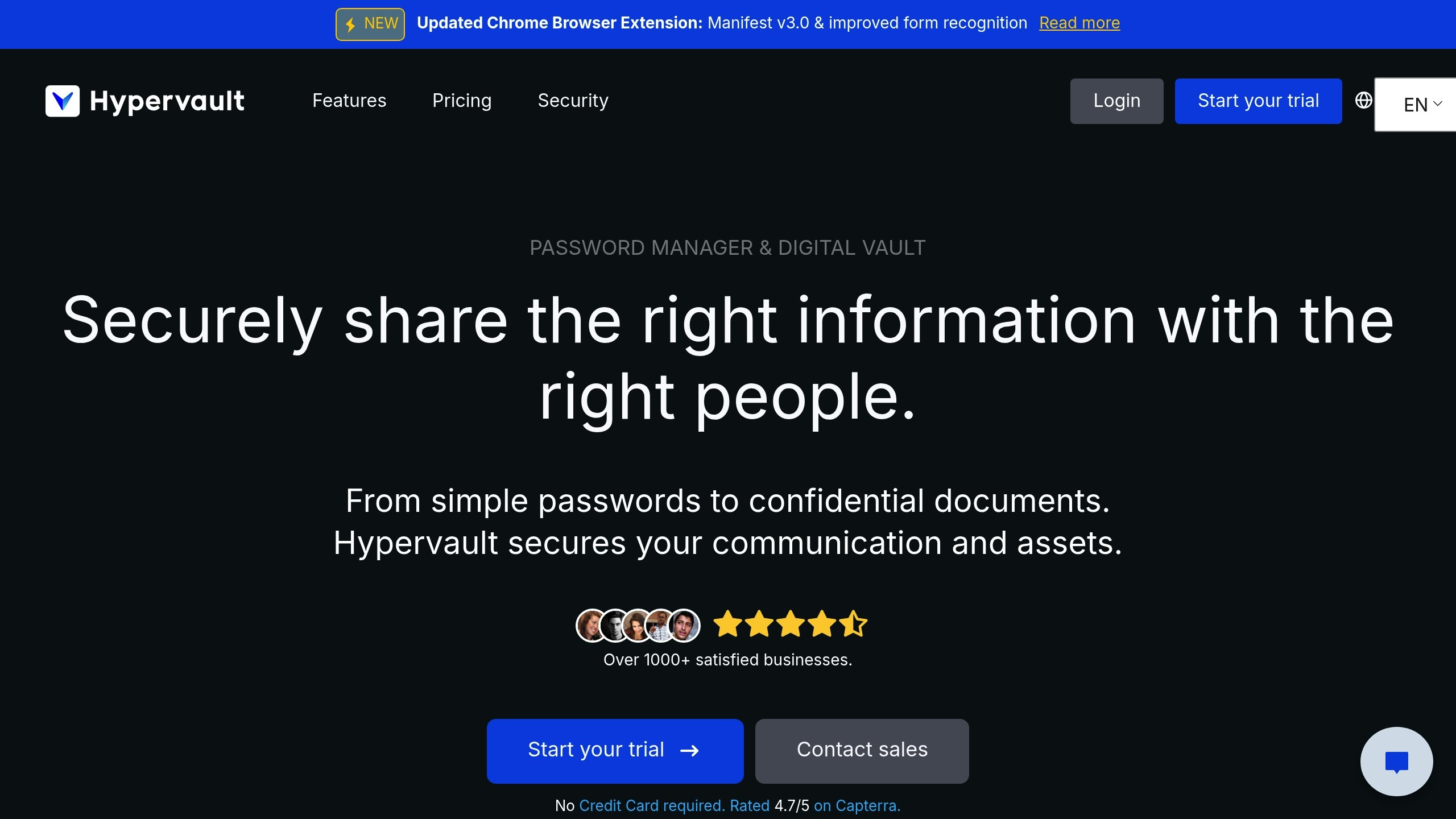
Hypervault simplifies GDPR compliance for Belgian organisations by offering a secure, enterprise-level password management solution. Designed specifically for Belgian businesses, it combines strong security measures with ease of use, ensuring data protection without compromising efficiency.
Hypervault Security Features
Hypervault employs multiple layers of security to keep enterprise data safe:
| Security Feature | Implementation | GDPR Benefit |
|---|---|---|
| End-to-End Encryption | AES-256 bit encryption with local device encryption | Keeps data private during both transit and storage |
| Zero-Knowledge Protocol | No server-side access to unencrypted data | Protects data privacy and ensures regulatory compliance |
| EU Data Residency | Servers located in European datacentres | Ensures GDPR-compliant data storage |
| Multi-Factor Authentication | Adds an extra layer of verification beyond passwords | Improves access security and provides audit trails |
| Azure AD Integration | Single Sign-On (SSO) for user management | Simplifies secure access control |
The zero-knowledge design ensures that unencrypted data remains inaccessible, even to Hypervault itself. Regular third-party audits verify the platform's adherence to strict security standards [4].
"We protect your business from password vulnerabilities, data breaches and other threats, and we continuously work with third-party security experts to make sure all secrets are safe." - Hypervault [4]
These features form the backbone of Hypervault's enterprise solutions, offered at competitive prices.
Plans and Storage
Hypervault provides straightforward pricing tailored to enterprises:
| Plan Type | Cost per User | Storage Included | Additional Features |
|---|---|---|---|
| Monthly | €4,00 | 1 GB | Full feature access |
| Annual | €39,00 | 1 GB | 19% savings on cost |
For organisations needing extra storage, the following options are available:
-
100 GB: €100,00/year
-
1 TB: €500,00/year
-
5 TB: €1.000,00/year
-
10 TB: €1.650,00/year
Touring, Belgium's top roadside assistance provider, adopted Hypervault in 2022 to manage their contract documentation. This change significantly improved their document retrieval process [5]. Hypervault is rated 4,7/5 on Capterra, reflecting its strong user satisfaction [5].
"All the data and servers are located in Europe. You'll always be on the safe side and comply with EU data security standards. We've got your back." - Hypervault [5]
In addition to password management, Hypervault offers secure document sharing and collaboration tools, making it a versatile choice for businesses.
Setup Guide for Belgian Companies
Security Assessment Steps
Assess your organisation's password security to pinpoint weaknesses and areas for improvement. Pay attention to these critical factors:
| Assessment Area | Key Evaluation Points | GDPR Requirement |
|---|---|---|
| Password Storage | Encryption methods, server locations | EU-based secure storage |
| Access Controls | User permissions, authentication methods | Documented access protocols |
| Data Processing | Data handling procedures, breach protocols | Clear processing records |
| Documentation | Security policies, training materials | Compliance evidence |
These details will help you craft precise security policies tailored to your needs.
Security Policy Setup
Develop GDPR-compliant security policies that address:
Access Management
-
Use role-based access control to limit permissions.
-
Integrate Microsoft Azure AD for single sign-on (SSO).
-
Assign workspace permissions according to departmental roles.
Storage Practices
-
Store all data within EU borders.
-
Apply end-to-end encryption to safeguard credentials.
-
Set up automatic backup systems for added security.
Monitoring and Reporting
-
Activate activity logging to track compliance.
-
Schedule regular security audits.
-
Define clear procedures for responding to incidents.
Once policies are in place, focus on employee training to ensure proper implementation.
Employee Training
Create a comprehensive training programme that includes:
-
Security AwarenessDevelop materials that cover the basics of password security. Include hands-on exercises to teach effective password creation and management.
-
Tool UsageOffer practical training on password management tools to ensure employees can use them confidently.
-
Compliance DocumentationKeep detailed records of training activities, including:Training ComponentDocumentation RequiredUpdate FrequencySecurity ProtocolsWritten proceduresQuarterlyTool UsageUser guides and tutorialsMonthlyCompliance UpdatesRegulatory changesAs neededIncident ResponseEmergency proceduresBi-annually
"Hypervault secures your communication and assets." - Hypervault Website
Regularly update training materials to reflect the latest security practices and GDPR guidelines. Schedule quarterly refresher courses and conduct assessments to ensure employees stay informed and compliant.
Conclusion
Protecting passwords is a critical step in meeting GDPR requirements. With over 1,000 businesses trusting Hypervault and a 4.7/5 rating on Capterra [5], the platform has proven its reliability in addressing these security needs.
Hypervault uses advanced encryption, zero-knowledge protocols, and ensures data residency within the EU to meet GDPR standards. Its integration with Microsoft Azure and Single Sign-On (SSO) features provides businesses with strong security tools and streamlined management.
"We protect your business from password vulnerabilities, data breaches and other threats, and we continuously work with third-party security experts to make sure all secrets are safe." - Hypervault [4]
Independent security audits further demonstrate Hypervault's dedication to maintaining top-tier security, making it a dependable choice for organisations looking to safeguard their digital assets while adhering to EU data protection laws.
For businesses aiming to transition to GDPR-compliant password management, Hypervault delivers a straightforward solution. Its emphasis on European data protection standards allows companies to securely handle sensitive information while staying compliant with regulations. Start implementing these password security measures to enhance your organisation's security and meet GDPR requirements effectively.
Key steps include:
**Use strong hashing algorithms** like bcrypt or Argon2 to securely hash passwords before storage. These algorithms are designed to be resistant to brute-force attacks.
**Implement encryption** for stored password data to add an additional layer of security in case of unauthorised access.
Regularly **review and update your security measures** to stay aligned with GDPR requirements and evolving best practices.
Additionally, ensure your organisation has clear policies in place for managing access to sensitive data and conducts regular audits to identify vulnerabilities. By following these steps, you can effectively safeguard user information and meet both EU and Belgian data protection standards.
Key steps include:
**Assess organisational needs**: Identify systems and data that require MFA, prioritising sensitive or personal information.
**Choose a reliable MFA method**: Options include SMS-based codes, authenticator apps, or hardware tokens. Ensure the chosen method is user-friendly and secure.
**Educate employees**: Provide clear guidance on how MFA works and its importance in protecting data.
**Integrate MFA with existing systems**: Ensure compatibility with current tools and platforms without disrupting workflows.
By adopting MFA as part of a robust password policy, organisations can better safeguard sensitive data and demonstrate compliance with GDPR standards.